




In today’s fast-evolving digital manufacturing and product design industry, having the right tools can make a significant difference in productivity, creativity, and business growth. Autodesk Fusion 360 has become one of the most widely used CAD, CAM, and CAE software platforms in the world, trusted by engineers, designers, manufacturers, and educators alike.
Now, with the Fusion 360 Pro Plan available at just ₹1699 for 2 years, professionals and learners can access premium design and engineering tools at a fraction of the usual cost. This limited-time offer makes powerful industrial-grade software affordable for students, freelancers, startups, and small businesses.
Let’s explore what Fusion 360 Pro is, what features it offers, and why this deal is a must-grab opportunity.
What is Autodesk Fusion 360 Pro?
Autodesk Fusion 360 Pro is a cloud-based 3D CAD, CAM, and CAE software that integrates product design, engineering, simulation, and manufacturing into one unified platform. Unlike traditional design software that separates modelling and manufacturing tools, Fusion 360 combines everything in a single environment, enabling seamless workflows from concept to production.
Fusion 360 Pro allows users to:
- Create detailed 3D models and assemblies
- Perform engineering simulations
- Generate CNC machining toolpaths
- Collaborate with teams in real time
- Manage design data securely in the cloud
It is widely used in industries such as:
- Mechanical engineering
- Product and industrial design
- Automotive and aerospace
- Robotics
- Architecture and construction
- Manufacturing and prototyping
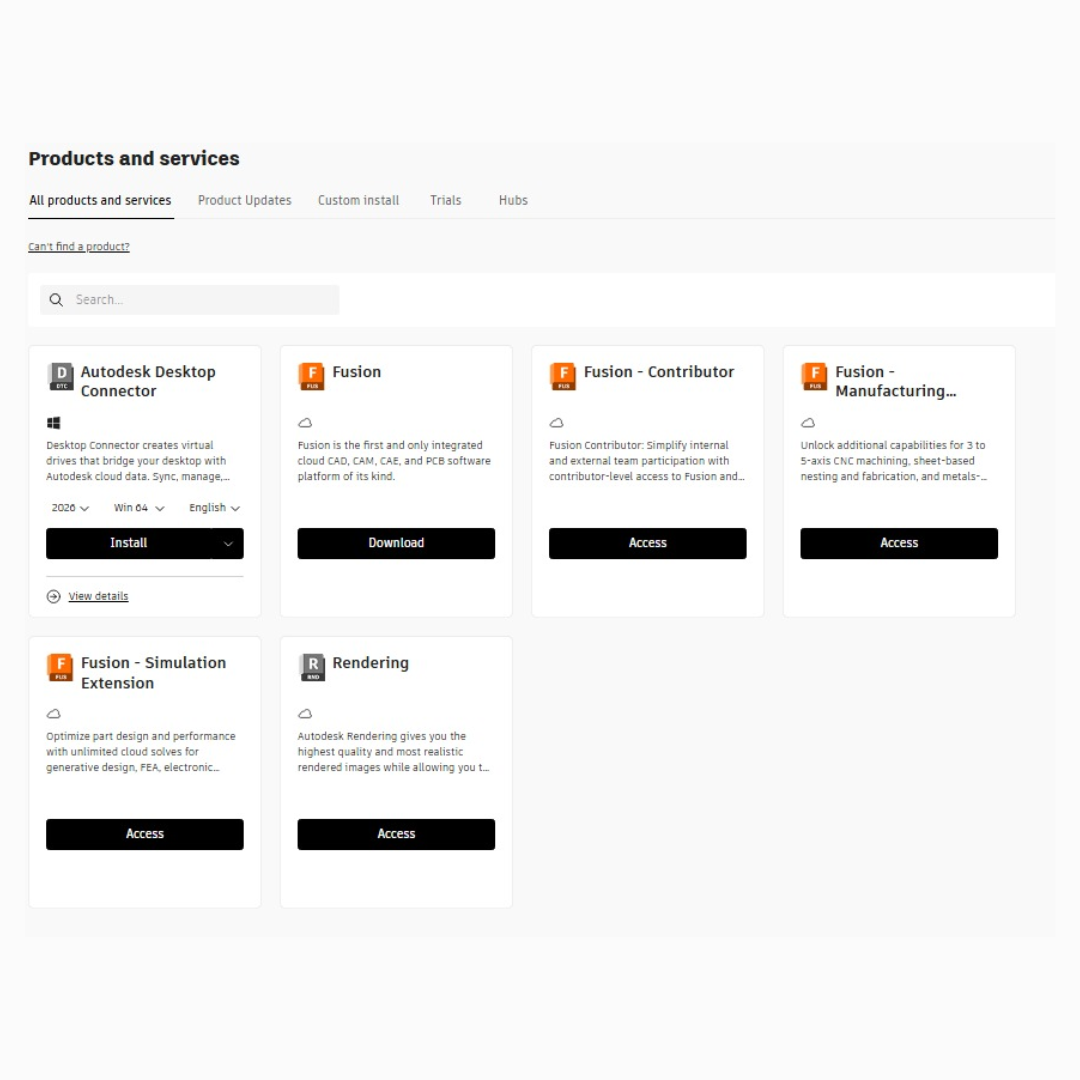
Key Features of Fusion 360 Pro
The Pro plan unlocks advanced features that go beyond basic modelling. Some of the most valuable tools included are:
1. Advanced 3D Modelling
Fusion 360 Pro provides parametric, direct, and freeform modelling tools that allow designers to build complex parts and assemblies with precision. Surface modelling enables smooth organic shapes, while solid modelling ensures mechanical accuracy.
2. Integrated CAM (Computer-Aided Manufacturing)
One of the biggest strengths of Fusion 360 Pro is its built-in CAM capabilities. Users can generate toolpaths for:
- 2-axis and 3-axis CNC machining
- Multi-axis machining
- Turning and milling operations
- Post-processing for different machines
This eliminates the need for separate CAM software and reduces errors between design and manufacturing.
3. Simulation and Analysis
Fusion 360 Pro supports engineering simulations such as:
- Stress and structural analysis
- Thermal and modal analysis
- Motion studies
- Fatigue and deformation testing
These tools help engineers test designs virtually before manufacturing, saving time and material costs.
4. Generative Design
The generative design feature uses artificial intelligence and cloud computing to generate optimized design solutions based on constraints like material, load, and manufacturing method. This is especially useful for lightweight and high-strength parts.
5. Cloud Collaboration
Fusion 360 Pro supports team collaboration with:
- Real-time design sharing
- Version control
- Cloud storage
- Secure file access from any device
This is ideal for distributed teams, remote work, and client-based projects.
6. Drawing and Documentation
Users can create detailed 2D drawings from 3D models for manufacturing and documentation purposes, including dimensions, tolerances, and annotations.
Why the ₹1699 for 2 Years Offer is a Big Deal
Normally, professional CAD software subscriptions cost thousands of rupees per year. Fusion 360 Pro is typically priced much higher when purchased directly through official channels. However, this special offer allows users to access the Pro version for just ₹1699 for a full two years, making it one of the most affordable professional design software deals available.
Benefits of This Offer:
1. Huge Cost Savings
Instead of paying premium annual subscription fees, users get long-term access at a minimal cost, making professional tools accessible to everyone.
2. Long-Term Stability
A 2-year plan ensures uninterrupted access to the software without worrying about renewals every few months.
3. Access to Premium Features
Users get the full professional feature set, including CAM, simulation, and generative design, which are essential for advanced projects.
4. Perfect for Learning and Skill Development
Students and beginners can practice on industry-standard software, improving their employability and technical skills.
Who Should Buy Fusion 360 Pro?
This offer is suitable for a wide range of users:
Students and Educators
Fusion 360 is widely used in engineering and design education. This plan enables students to gain hands-on experience with professional tools, helping them prepare for real-world applications.
Freelancers and Designers
Product designers, 3D artists, and mechanical designers can use Fusion 360 Pro for client projects without spending heavily on software subscriptions.
Startups and Small Businesses
Startups involved in manufacturing or prototyping can use Fusion 360 Pro for design and production workflows at a low cost.
Manufacturers and CNC Operators
With integrated CAM and toolpath generation, Fusion 360 Pro is ideal for CNC machining and fabrication businesses.
Hobbyists and Makers
Makers, DIY enthusiasts, and innovators can turn ideas into functional prototypes using advanced modelling and manufacturing tools.
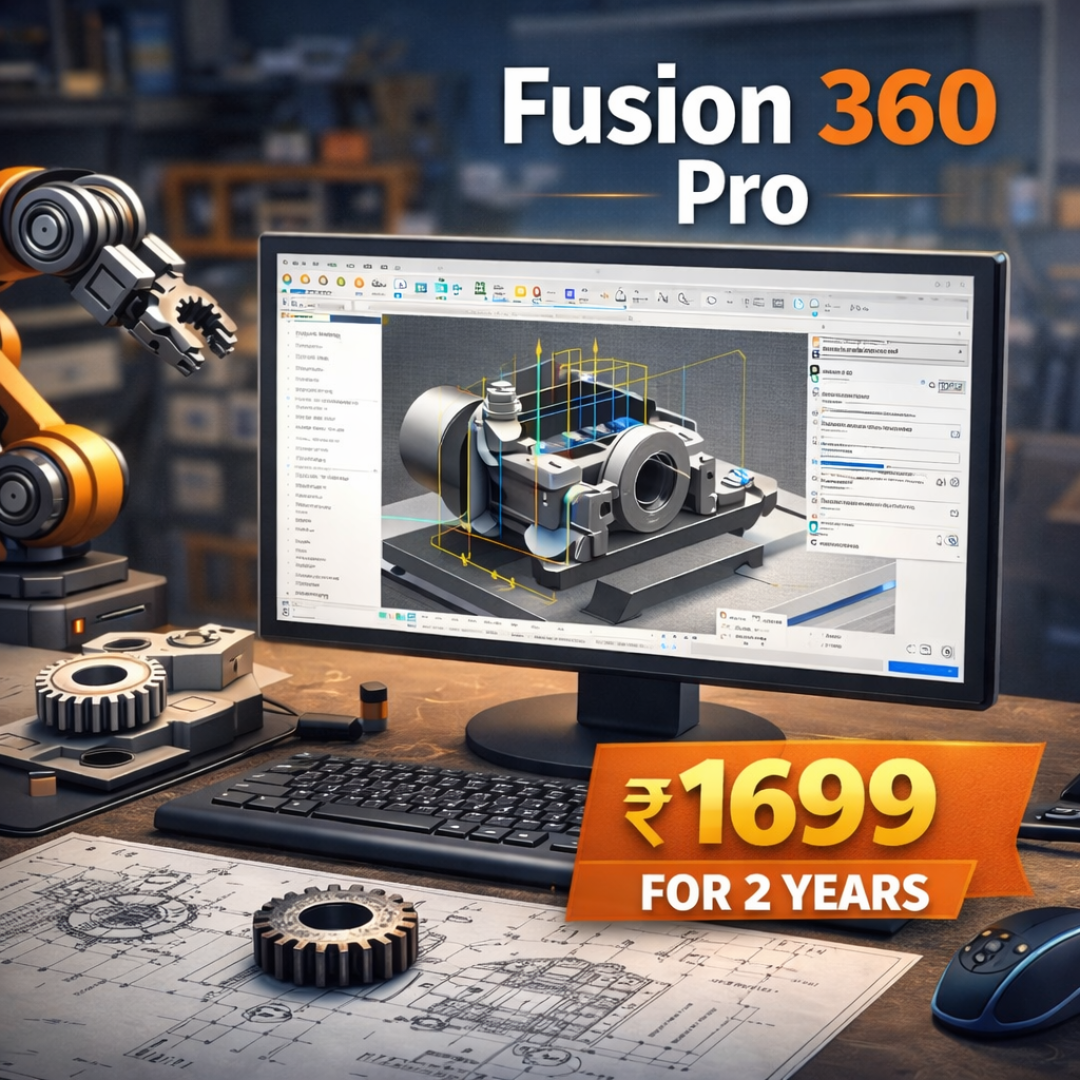
How to Get Fusion 360 Pro at ₹1699 for 2 Years
The process to obtain the Fusion 360 Pro plan is simple:
Contact Digital Internet Marketing.
Drop a message on whatsapp at 8076393398
or drop a mail at digitalinternetm@gmail.com
Once activated, users can access all premium tools for the entire two-year period without interruptions.
Tips to Make the Most of Fusion 360 Pro
To maximize the value of your subscription:
- Use Autodesk’s built-in tutorials and learning paths.
- Explore generative design for innovative structures.
- Combine simulation with modelling to reduce physical prototyping.
- Collaborate with teams using cloud tools.
- Regularly update the software to access new features.
Learning Fusion 360 also opens up career opportunities in mechanical design, manufacturing, and product development.
Final Thoughts
The Fusion 360 Pro Plan at just ₹1699 for 2 years is an exceptional opportunity for anyone involved in design, engineering, or manufacturing. It delivers enterprise-level tools at an affordable price, enabling innovation without financial barriers.
With powerful modelling features, integrated CAM, advanced simulation, and cloud collaboration, Fusion 360 Pro supports the entire product development lifecycle. Whether you are a student learning design principles, a freelancer working with clients, or a startup developing products, this plan offers unbeatable value.
If you are serious about improving your design capabilities and working with professional-grade software, this is the right time to invest in Fusion 360 Pro.
Frequently Asked Questions (FAQs)
1. What is Fusion 360 Pro?
Fusion 360 Pro is the premium version of Autodesk Fusion 360 software that provides advanced tools for 3D modelling, simulation, manufacturing (CAM), and cloud-based collaboration. It is widely used by engineers, designers, and manufacturers for professional-grade projects.
2. What is included in the Fusion 360 Pro Plan?
The Fusion 360 Pro Plan includes:
- Advanced 3D modelling and surface design tools
- Integrated CAM for CNC machining
- Engineering simulation and analysis
- Generative design features
- Cloud storage and collaboration tools
- Regular software updates and technical improvements
3. How long is the Fusion 360 Pro Plan valid for?
This plan is valid for 2 years from the date of activation, giving you uninterrupted access to professional features without monthly or yearly renewals.
4. Does Fusion 360 Pro support CNC machining?
Yes. Fusion 360 Pro includes integrated CAM tools that allow users to create toolpaths for CNC machines, including milling, turning, and multi-axis machining operations.
5. Can I install Fusion 360 Pro on more than one device?
Fusion 360 licenses are generally linked to your Autodesk account, allowing you to install the software on multiple devices, but use it on one device at a time, depending on Autodesk’s licensing terms.